

Extending Open Source Smartly: Yjs Multiplayer and AI Control in the Browser
Behind the scenes of our VectorCraft fork: Why we build on proven open-source engines as full-stack engineers and extend them with real-time collaboration (Yjs) and AI interfaces.
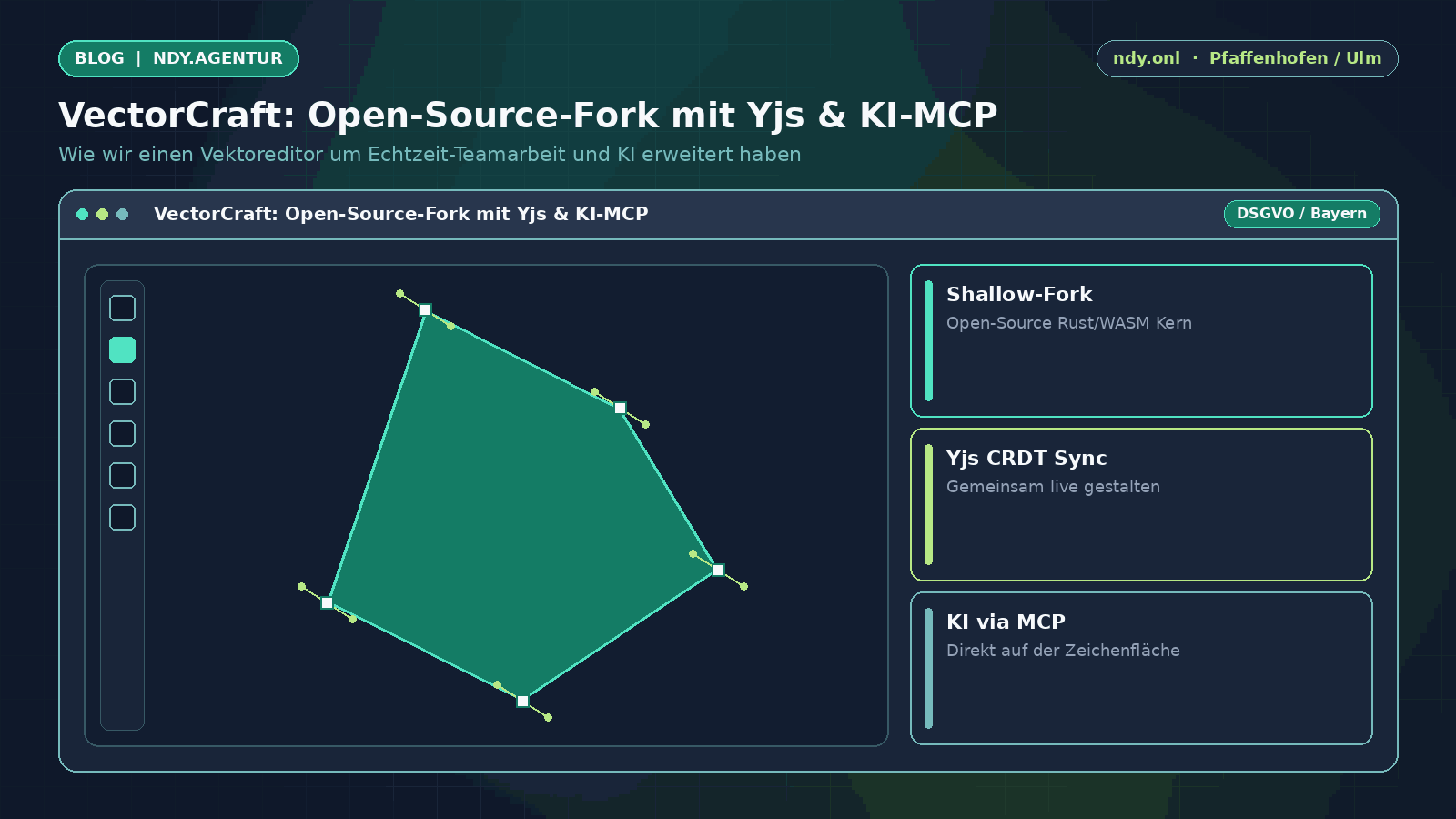
Why We Build on Open-Source Foundations Instead of Reinventing the Wheel
The 'New Digital Yarn' Principle: Weaving Existing Strengths Together
In many companies, a quick graphic update to an icon, floor plan, or logo gets blocked because the source file can only be opened in an expensive desktop program. Meanwhile, the open-source ecosystem already offers fast Rust and WebAssembly graphics engines for the browser — yet they typically lack two features required for daily team workflows:
- Simultaneous multi-user editing on the same document (like in Google Docs or GamifyBoard).
- A direct interface to local AI assistants so generated graphics are created as editable vector paths rather than flat raster images.
Our Approach: Shallow Fork + Targeted Full-Stack Integration
Rather than spending years writing a new rendering engine from scratch (and billing clients for reinventing basics), we adopted a proven open-source vector editor as a shallow fork and engineered the missing integration layers ourselves:
- Yjs / Yrs Real-Time Synchronization: We wired the document state into Yjs (CRDT) so multiple team members can draw, move shapes, and refine colors simultaneously via a shared link without merge conflicts.
- Instant Browser Access: Zero local installation, no forced cloud account, self-hosted on our sovereign cloud infrastructure in Pfaffenhofen.
Editable Vector Paths Instead of Flat Pixel Images
Standard image-generation AI produces flat pixel graphics where text, lines, and shapes cannot be cleanly moved or restyled afterward.
In our VectorCraft fork, we integrated a direct Model Context Protocol (MCP) bridge: An AI assistant can construct mathematically crisp vector paths, icons, and layouts directly onto the shared Yjs canvas — and you can refine every anchor point and color with your mouse immediately after.
Test our fork live in your browser at vector.c4ndy.com or check the VectorCraft case study to see how we build custom open-source extensions for client workflows.